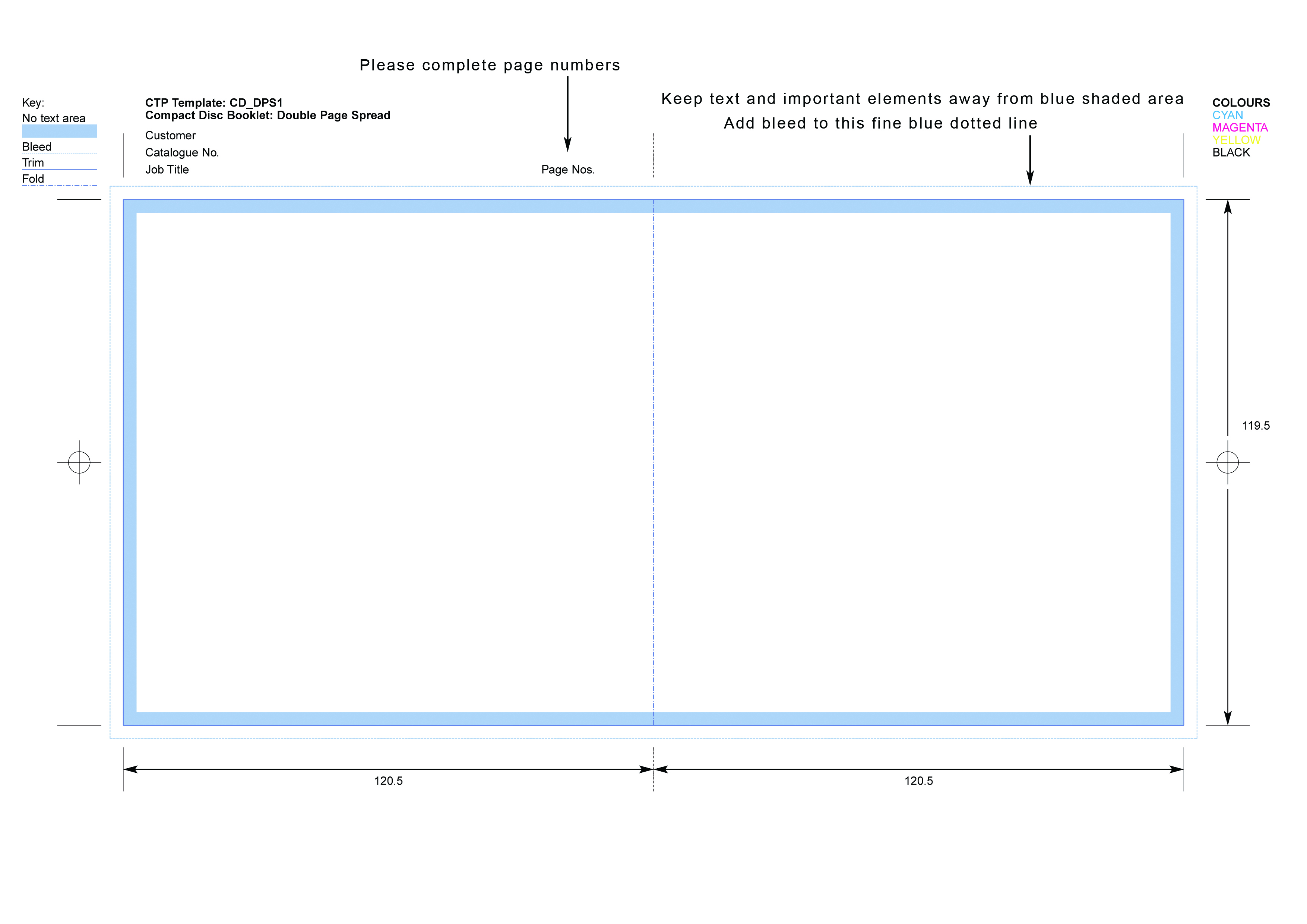
Please use the templates below to submit your artwork. You may use Adobe Indesign’s built in templates. These are usually correct except for the CD/DVD disc template. Please export booklets as 2-page spreads in PDF format with page numbers included (either on artwork or in file name).
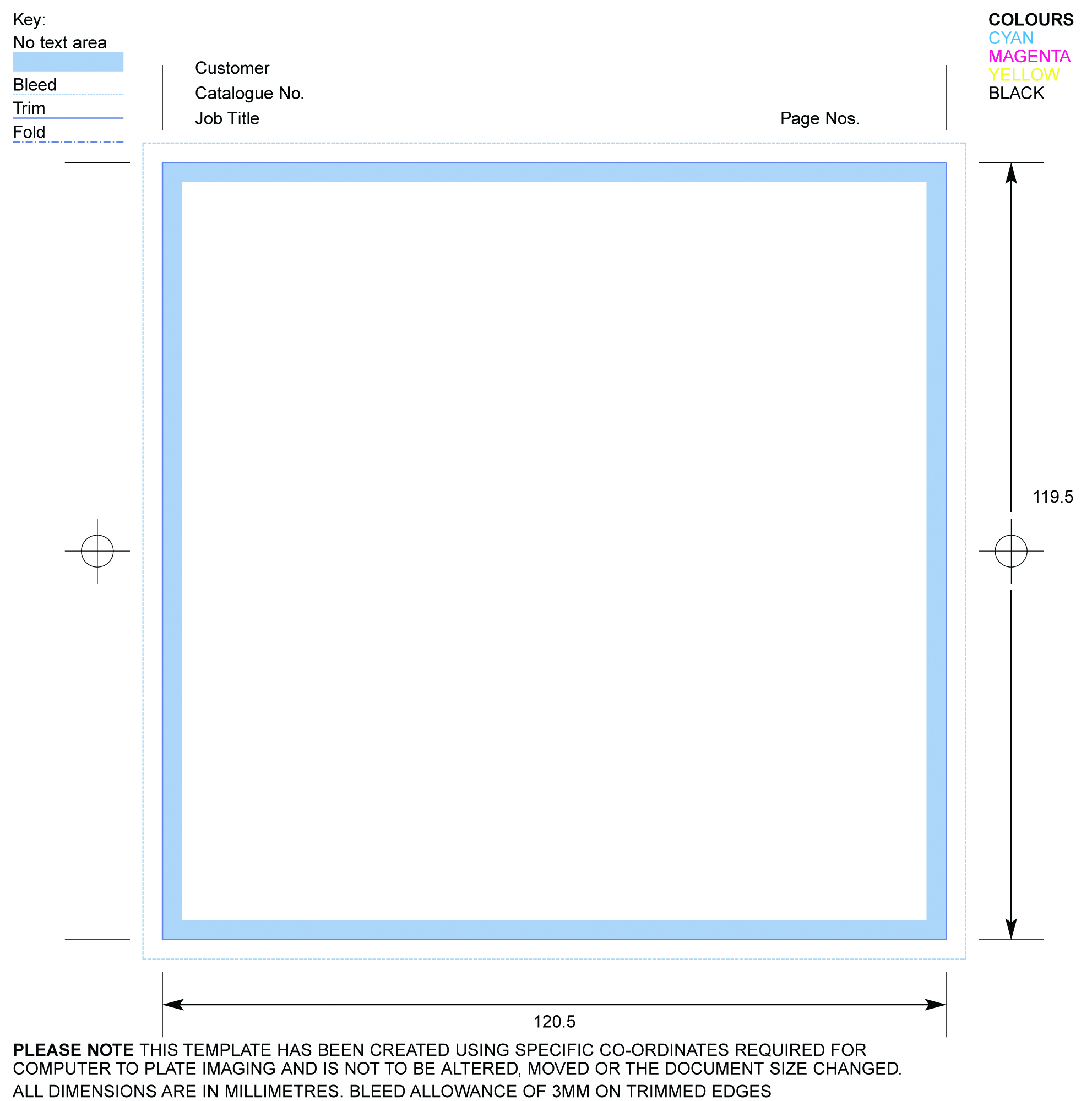
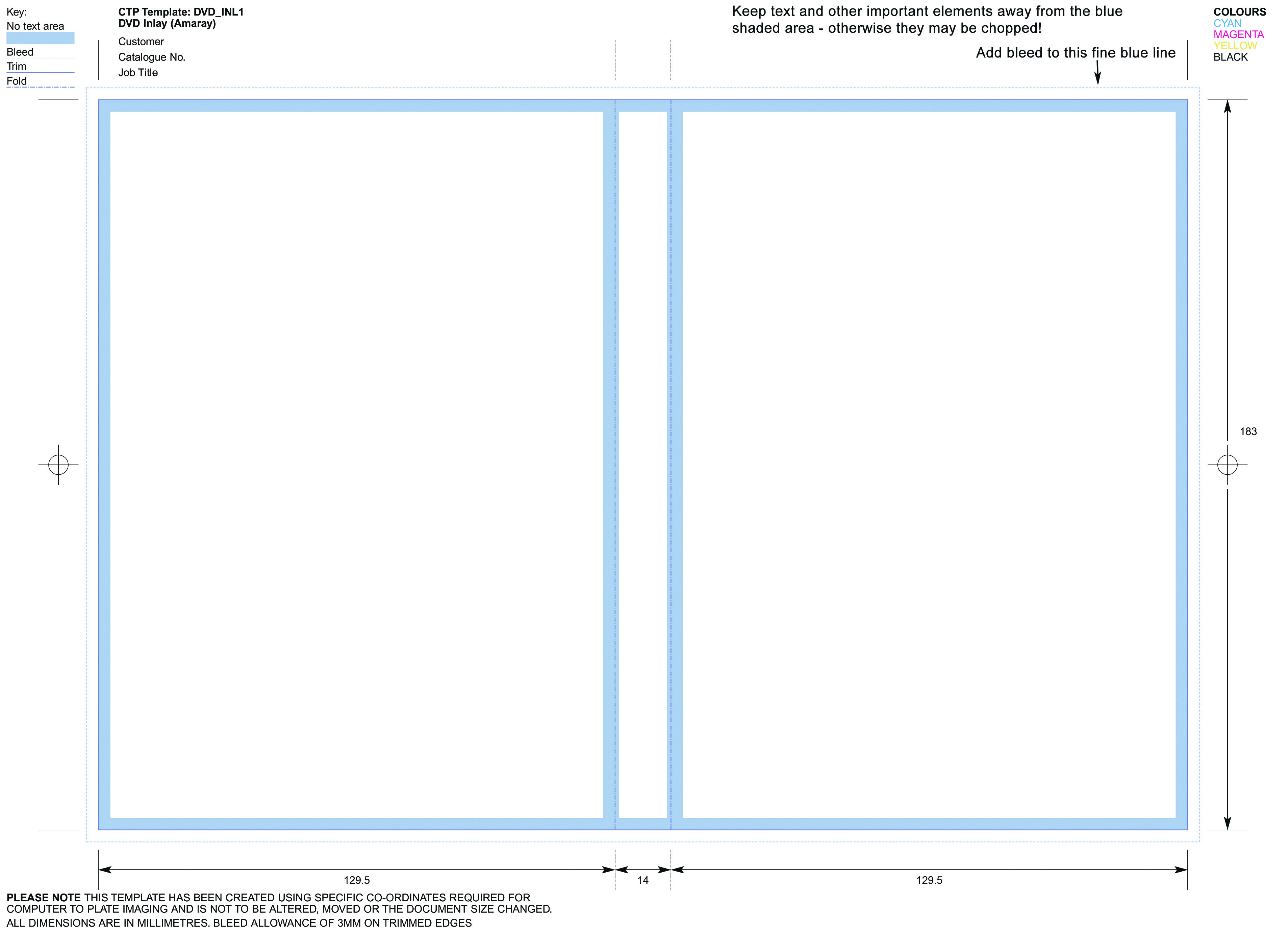
For the fastest turnaround please submit artwork directly on our templates with all the information completed including page numbers. Ensure you add bleed on all paper parts (see template keys for details). Do not put text too close to the edge – keep text or other important design elements at least 6mm away from the edge of the print.
Have you added bleed?
No bleed on artwork is the number one mistake that customers make. Please take the time to understand what bleed is and make sure you check our templates carefully to ensure bleed is added.
Please read our artwork instruction document before submitting artwork. If in doubt please consult a professional graphic designer for assistance.
If using GIMP software you will need to make sure you open all documents at 300dpi resolution.
| Item | Description | Download Links |
|---|---|---|
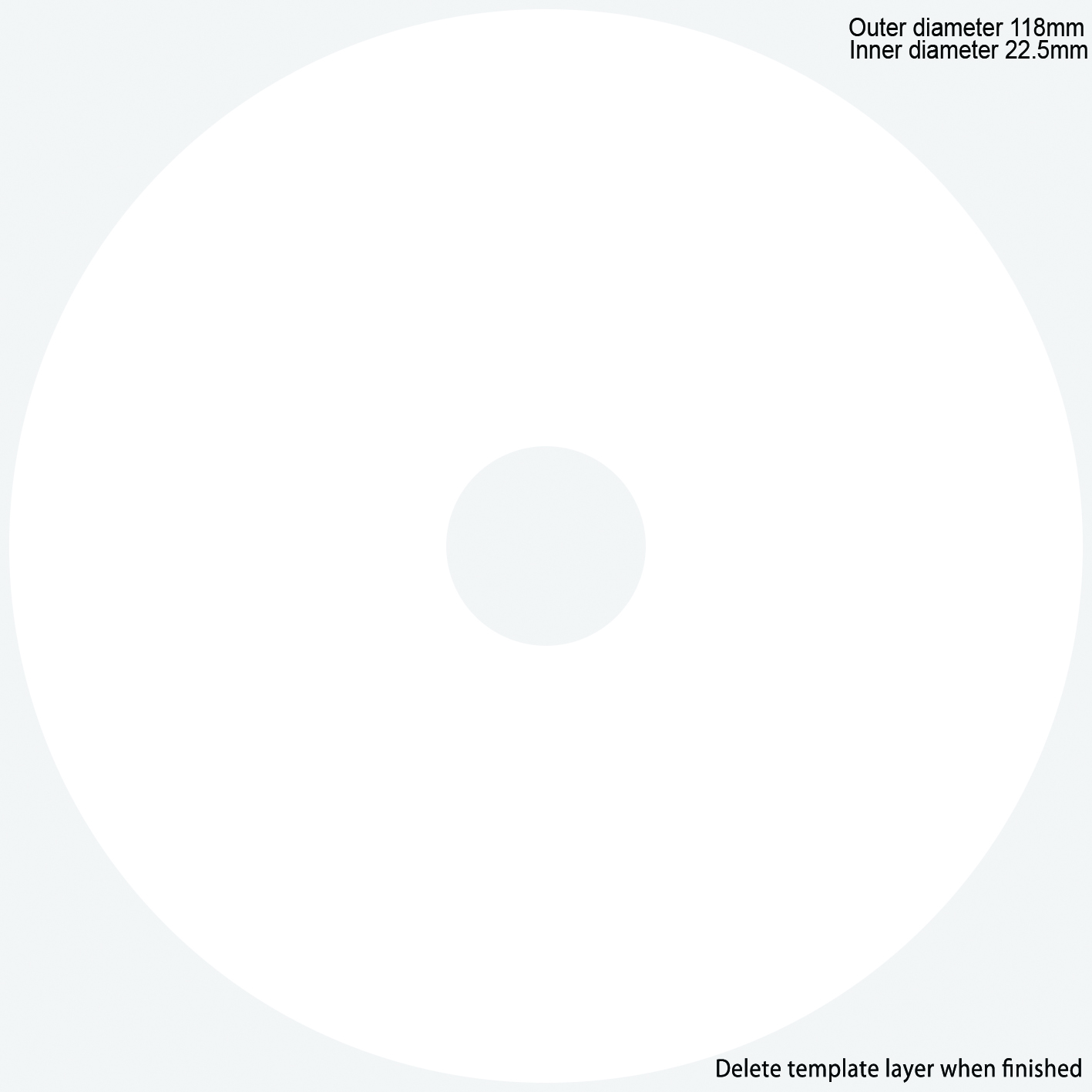
| CD or DVD Disc Template | Use for artwork which covers the whole of the disc. See template below for text based discs. | PDF Format JPG Format |
| CD or DVD Disc Template (logo or text based discs) | Use for artwork which does not cover the whole disc - such as a company logo or simple text based discs. | PDF Format JPG Format |
| 1 or 2-Page CD Booklet | This is a single sheet printed on one or both sides to give 2-printed pages. Use twice for 2 printed pages. | PDF Format JPEG Format |
| 4-page CD booklet | Standard CD booklet. A single sheet with a centre crease. Use twice for a total of 4 printed pages. Use this for 8,12 and 16 page booklets too. | PDF FORMAT JPEG Format |
| CD Backliner | The CD backliner / traycard. Sits under the CD tray. Use twice if you want a clear tray with artwork underneath. | PDF Format JPEG Format |
| DVD Wrap | Fits around the outside of the DVD case. Use twice if you want a clear case with artwork visible from the inside. | PDF FORMAT JPEG FORMAT |
| 4-page DVD Booklet | Standard DVD Booklet. Single sheet with centre crease to give 4 printed pages. | PDF Format JPEG Format |
| CD Digipack (4 page) | Standard CD Digipack with 4 printed panels. | 4-panel Digipack |
| Digifile | Standard Digigile for 1 CD | Digifile |
| Card Wallet | Standard Card Wallet | PDF Format |
| Lancing Pack | Standard CD lancing pack with 4 printed panels. | Download |



Booklet pages should be laid out as follows:
| Number of pages | Page Layout |
|---|---|
| 4 | Page 4 - Page 1 Page 2 - Page 3 |
| 8 | Page 8 - Page 1 Page 2 - Page 7 Page 6 - Page 3 Page 4 - Page 5 |
| 12 | Page 12 - Page 1 Page 2 - Page 11 Page 10 - Page 3 Page 4 - Page 9 Page 8 - Page 5 Page 6 - Page 7 |
| 16 | Page 16 - Page 1 Page 2 - Page 15 Page 14 - Page 3 Page 4 - Page 13 Page 12 - Page 5 Page 6 - Page 11 Page 10 - Page 7 Page 8 - Page 9 |